Creating Pins with the Pinterest API v5: OAuth, boards, images and rate limits
Publish Pins with the Pinterest API v5: OAuth and token refresh, finding or creating boards, base64 image uploads, and Trial vs Standard rate limits.
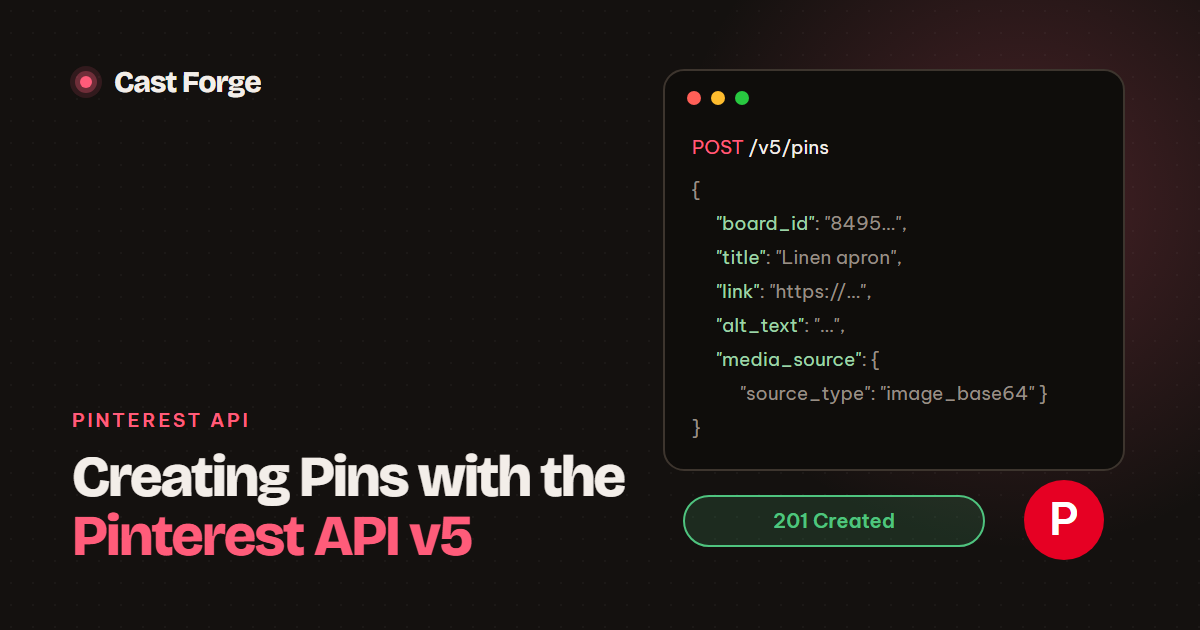
pins:write and boards:read scopes, look up (or create) the board ID, and send POST https://api.pinterest.com/v5/pins with board_id, title, description, link, alt_text and a media_source. The image can be sent inline as base64, so it does not need a public URL. Pin creation counts against the org_write rate limit: 300 calls a day on Trial access and 100 a minute on Standard.
- Five scopes cover publishing and analytics:
boards:read,boards:write,pins:read,pins:write,user_accounts:read. - Cache board IDs. Boards are paginated with a
bookmarkcursor. - Use
image_base64to keep images on a private server. - Retry once on 401 after refreshing the token, back off on 429 and 5xx, and fail fast on anything else.
- Trial access is enough to build and test. Plan for Standard access before you post at volume.
Pinterest was the first network Cast Forge supported, and its API is still the most predictable of the four we publish to. This is the integration as we run it, from the OAuth handshake to analytics, including the parts the reference pages leave implicit.
1. OAuth: getting and keeping a token
Send the user to Pinterest’s authorization page with your app ID, redirect URI and scopes:
https://www.pinterest.com/oauth/
  ?client_id=APP_ID
  &redirect_uri=https://app.example.com/oauth/pinterest
  &response_type=code
  &scope=boards:read,boards:write,pins:read,pins:write,user_accounts:read
  &state=RANDOM_STATE
Pinterest redirects back with a code. Exchange it at the token endpoint, authenticating with HTTP Basic auth built from your app ID and secret:
POST https://api.pinterest.com/v5/oauth/token
Authorization: Basic base64(APP_ID:APP_SECRET)
Content-Type: application/x-www-form-urlencoded

grant_type=authorization_code&code=CODE&redirect_uri=https://app.example.com/oauth/pinterest
The response holds an access_token, a refresh_token and expires_in in seconds. Store all three per account. To refresh, call the same endpoint with grant_type=refresh_token. We refresh proactively when the stored expiry has passed, and reactively once when a call returns 401. If the refresh itself fails, the user has revoked access and must reconnect. Show that clearly in the UI instead of retrying forever.
state. Generate a random value per login attempt, keep it server-side, and reject the callback if it does not match. This is what stops a third party from attaching their Pinterest account to your user.2. Boards: find once, cache forever
Every Pin belongs to a board, and the API needs the board’s ID, not its name. List boards with cursor pagination:
GET /v5/boards?page_size=100
→ { "items": [ { "id": "8495…", "name": "Kitchen linen" }, … ], "bookmark": "…" }

GET /v5/boards?page_size=100&bookmark=…   # until bookmark is null
Our lookup order for a board name is: local cache, then a fresh listing (which refills the cache), then POST /v5/boards with {"name": "...", "privacy": "PUBLIC"} if the board does not exist. After the first post to a board, publishing costs one API call per Pin instead of a board listing every time. That matters a lot on Trial access.
3. Creating the Pin
The request body:
POST https://api.pinterest.com/v5/pins
Authorization: Bearer ACCESS_TOKEN
Content-Type: application/json

{
  "board_id": "849512345678901234",
  "title": "Sage linen apron with deep pockets",
  "description": "Stonewashed European linen, adjustable neck strap…",
  "link": "https://shop.example/products/linen-apron",
  "alt_text": "Sage green linen apron hanging on a wooden peg",
  "media_source": {
    "source_type": "image_base64",
    "content_type": "image/jpeg",
    "data": "/9j/4AAQSkZJRgABAQ…"
  }
}
Notes from production:
- Write the title and description for search. Pinterest behaves like a visual search engine. Put the product type and its main attribute early in the title, and write the description as one or two natural sentences instead of a list of hashtags.
- Always send
alt_text. It makes the Pin accessible and gives Pinterest one more description of what the image shows. - Use the canonical product URL as
link, without tracking parameters that change per Pin. If you need attribution, use one consistent UTM set per network. - base64 vs URL.
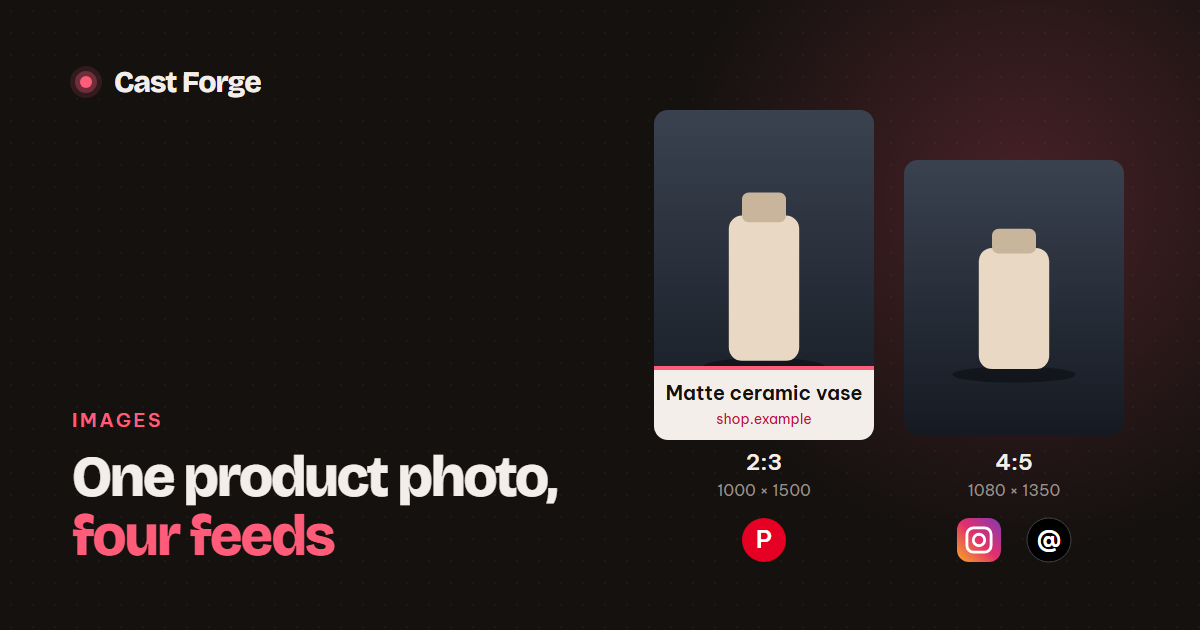
image_base64keeps the file private and avoids a second download that can fail.image_urlkeeps requests small when the image is already on a CDN. We use base64. - Size the image 1000 × 1500 (2:3), Pinterest’s recommended ratio. Taller images may be cut off in the feed. See image sizes for every feed.
4. Rate limits: Trial vs Standard
Every app starts on Trial access. Pinterest applies a universal limit plus per-category limits, and creating, editing or deleting boards and Pins all count against org_write:
| Trial access | Standard access | |
|---|---|---|
| All requests | 1,000 per day | 100 per second, per user, per app |
org_write (create Pins, boards) | 300 per day, per app | 100 per minute, per user, per app |
org_read | 1,000 per day | 1,000 per minute |
org_analytics | 1,000 per day | 60 per minute |
The Trial limits are per app, so 300 Pins a day is shared by every account you connect. With five accounts at ten Pins a day you are at 50 writes. Comfortable for testing, but the shared budget is why caching board IDs matters. Each response carries x-ratelimit-limit, x-ratelimit-remaining and x-ratelimit-reset headers: log them and you will see a limit coming before you hit it.
5. Errors and retries
The whole retry policy fits in a dozen lines:
def request(self, method, path, **kw):
    if now() >= self.expires_at:
        self.refresh()
    for attempt in range(4):
        r = requests.request(method, API + path,
                             headers={"Authorization": f"Bearer {self.token}"}, timeout=60, **kw)
        if r.status_code == 401 and attempt == 0:
            self.refresh(); continue             # token revoked or rotated
        if r.status_code == 429 or r.status_code >= 500:
            time.sleep(int(r.headers.get("Retry-After", 10 * (attempt + 1))))
            continue                              # transient: back off
        if not r.ok:
            raise PinterestError(f"{method} {path} -> {r.status_code}: {r.text[:500]}")
        return r.json() if r.content else {}
    raise PinterestError("still failing after retries")
Keep the response body in the error. Pinterest’s messages are specific (an invalid board, a link it does not accept, an image it cannot decode), and showing them next to the failed Pin saves a lot of support time.
6. Reading analytics back
Publishing is half the loop. The other half is learning which products earn clicks:
GET /v5/user_account/analytics
    ?start_date=2026-09-27&end_date=2026-10-26
    &metric_types=IMPRESSION,OUTBOUND_CLICK,SAVE
    &granularity=DAY

GET /v5/pins/{pin_id}/analytics
    ?start_date=…&end_date=…&metric_types=IMPRESSION,OUTBOUND_CLICK,SAVE
Keep the window under 90 days. We pull account totals daily and per-Pin metrics for recent Pins, then feed outbound clicks back into scheduling: products whose earlier Pins earned clicks are picked sooner for the next round.
Checklist
- Request only the five scopes you need. Validate
stateon every callback. - Store access token, refresh token and expiry per account. Refresh before expiry and once on 401.
- Cache board IDs. Create missing boards instead of failing.
- Send 2:3 JPEGs (1000 × 1500) with a title, description, link and alt text.
- Back off on 429 and 5xx using
Retry-After. Surface every other error with its body. - Budget for
org_write: 300 a day per app on Trial. Apply for Standard access before scaling.
Frequently asked questions
How many Pins can I create with Pinterest Trial access?
Creating Pins counts against the org_write category: 300 calls a day per app on Trial access and 100 a minute per user per app on Standard, on top of the universal limit of 1,000 requests a day on Trial.
Do I have to host the image to create a Pin?
No. POST /v5/pins accepts the image inline as base64 (source_type image_base64), so the file can stay on a private server. An image_url source is also available.
What should happen when a Pinterest token expires?
Refresh it with the refresh token a few minutes before expires_in runs out, and retry once on a 401. If the refresh itself fails, ask the user to reconnect the account.
Sources
Platform limits and specs were checked against these pages on October 26, 2026. They change; the linked docs are authoritative.